
Free XTREAM CODE CONVERTER Tool
Our XTREAM CODE CONVERTER helps you quickly convert IPTV playlists between M3U links and Xtream Codes credentials. The tool is designed to simplify IPTV setup and make account management faster and more convenient.
With this converter, users can easily generate working IPTV login details or playlist links in just a few seconds.
KING IPTV
This tool is for personal use only. KING IPTV does not store your data.
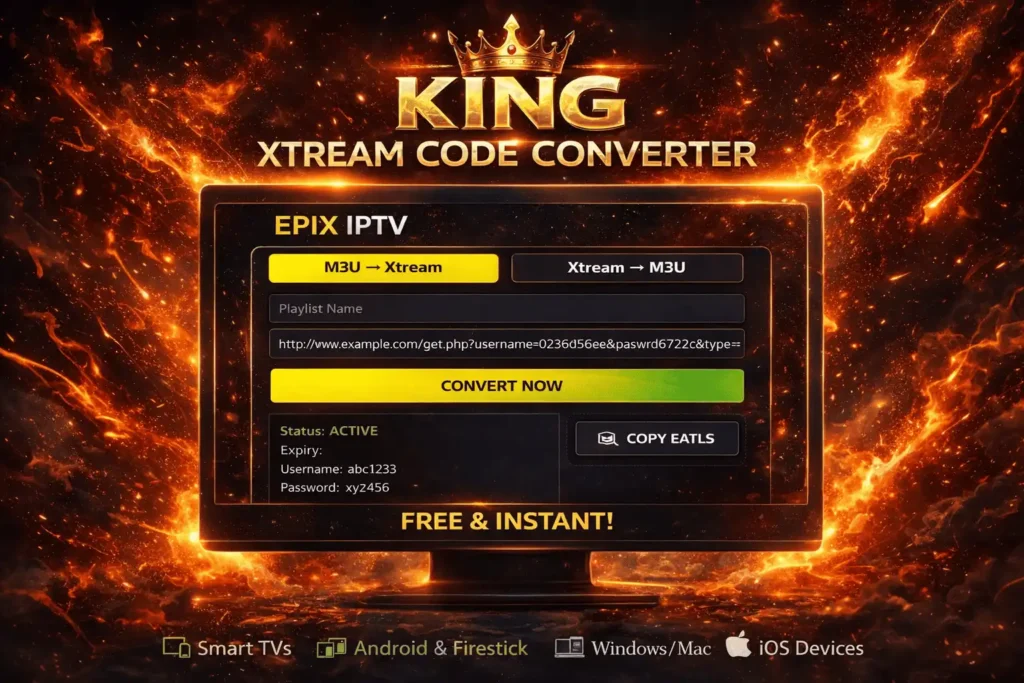
What is an XTREAM CODE CONVERTER?
An XTREAM CODE CONVERTER is an online utility that allows users to convert IPTV formats between M3U playlist links and Xtream Codes login credentials. This makes it easier to connect IPTV services to different apps and devices.
The tool simplifies IPTV configuration and helps users organize their streaming access efficiently.
Convert M3U to Xtream Codes Easily
Using the XTREAM CODE CONVERTER, you can extract important IPTV details directly from an M3U playlist link. The system automatically generates the required information needed to access your IPTV account.
This usually includes server URL, username, password, playlist link, and other IPTV account details needed for streaming.
Generate M3U from Xtream Codes
The XTREAM CODE CONVERTER also allows users to create an M3U playlist using Xtream Codes credentials. This is useful for IPTV players that require M3U playlist links instead of login details.
Simply enter your server URL, username, and password to generate the playlist instantly.
Supported IPTV Devices
The XTREAM CODE CONVERTER works with most popular IPTV platforms and streaming devices. This allows users to connect their IPTV accounts easily across different systems.
Supported devices typically include Smart TVs, Android TV boxes, Firestick, Windows computers, macOS devices, and mobile phones.
Why Use an XTREAM CODE CONVERTER
Using an XTREAM CODE CONVERTER helps simplify IPTV configuration and saves time when switching between different IPTV formats. The tool provides fast results and can be used directly from your browser.
It is designed to work quickly while maintaining a simple and easy conversion process.
Disclaimer
This XTREAM CODE-CONVERTER tool is intended for personal use only. Users are responsible for ensuring they have the proper rights to access and use IPTV content through their subscriptions.
FAQ
The FAQ section for the XTREAM CODE-CONVERTER provides answers to common questions about IPTV format conversion, device compatibility, and how the tool works.
An Xtream Code-Converter is an online tool that converts IPTV playlist formats between M3U links and Xtream Codes login credentials, allowing users to easily configure IPTV services on different devices.
The Xtream Code-Converter processes either an M3U playlist link or Xtream Codes credentials and automatically generates the corresponding format required by IPTV applications.
Yes, the Xtream Code-Converter is a free online tool that allows users to convert IPTV formats quickly without installing any software.
Yes, the Xtream Code-Converter allows users to generate an M3U playlist by entering the server URL, username, and password associated with their IPTV account.
Playlists generated by the Xtream Code-Converter work on many devices including Smart TVs, Android TV boxes, Firestick, smartphones, tablets, Windows PCs, and IPTV player applications.
A reliable Xtream Code-Converter processes the information entered by the user and helps convert IPTV formats without storing sensitive login credentials.
Using an Xtream Code-Converter makes IPTV setup faster by converting formats instantly, allowing users to connect their IPTV subscription to compatible apps and devices more easily.